MyChart system maintenance notification
MyChart will be unavailable on Sunday, December 7, 2025 from 3:00 a.m. to 5:00 a.m. for a scheduled system update. You will be unable to access MyChart at this time. We apologize in advance for any inconvenience this may cause.
New features added to MyChart:
New Proxy Confirmation Workflow in MyChart
As part of this update, when you grant proxy access, the proxy will now be required to log in to MyChart and enter the patient's date of birth, as one way to validate that the proxy knows the patient. This new security measure must be completed before proxy access becomes active.
Browse Clinical Studies with MyChart Study Finder
MyChart Study Finder can help you understand the clinical study and trials options that are available to you at UTMB Health. If you are interested in participating in research studies or learning more about a study, MyChart Study Finder allows you to search for and learn more about the ones that meet your needs. It also allows you to proactively express your interest in participating in studies.
Verify Pharmacy Information in eCheck-In with the New Pharmacy Step
With this update, the option to select a pharmacy has moved from the “Medications” step to become part of the eCheck-In process. This new process is more convenient. While completing eCheck-In, you will be prompted to select a pharmacy for your visit. You’ll be able to view the address, delivery methods and hours that the pharmacy is open, so that you can select the one best suited and most convenient for you.
Set your Test Result Preferences
You will now be able to set your own test result release preferences. This new update will give patients the option to specify whether they prefer to receive all of their results as soon as they are available, or if they prefer to wait to see their results--to give their care team more time to review results before they are released to MyChart.
New Look for Balance Payments
Patients can now pay their due amount in one click, with an option to save their preferred payment method in the system. If you opt in, you will no longer be directed to a separate payment page, helping complete the balance payment process more quickly. If you owe any other balances, those balances are now shown on a separate card, making it easier for patients to pay the primary balance. You will still be able to select a different payment method.
Create and View Home Monitoring Device Connections (MyChart Web and Mobile)
On the Health Connections page within the Track My Health activity in MyChart, patients can now connect external accounts to sync data for their assigned patient-entered health logs. This activity has been updated to provide a more consistent, intuitive experience on the web and on mobile devices.
Using Open Scheduling? Get Notified About Earlier Appointment Times
Fast Pass can help you get care sooner. Now, patients using “Find a Provider” to schedule their appointment don't need to have a MyChart account to put themselves on a wait list.
Use Passkeys to Securely Log In to MyChart
You can now use passkeys to log in to MyChart on a web browser. Passkeys are easier to use than passwords, and they are more resistant to various security threats. When using passkeys, passwords still exist as a backup login method, but patients with passkeys can log in without using their conventional MyChart passwords. Passkeys are restricted to individual organizations (such as UTMB Health), so patients cannot use the same passkey across different sites or domains. Passkeys are not available on the mobile app.

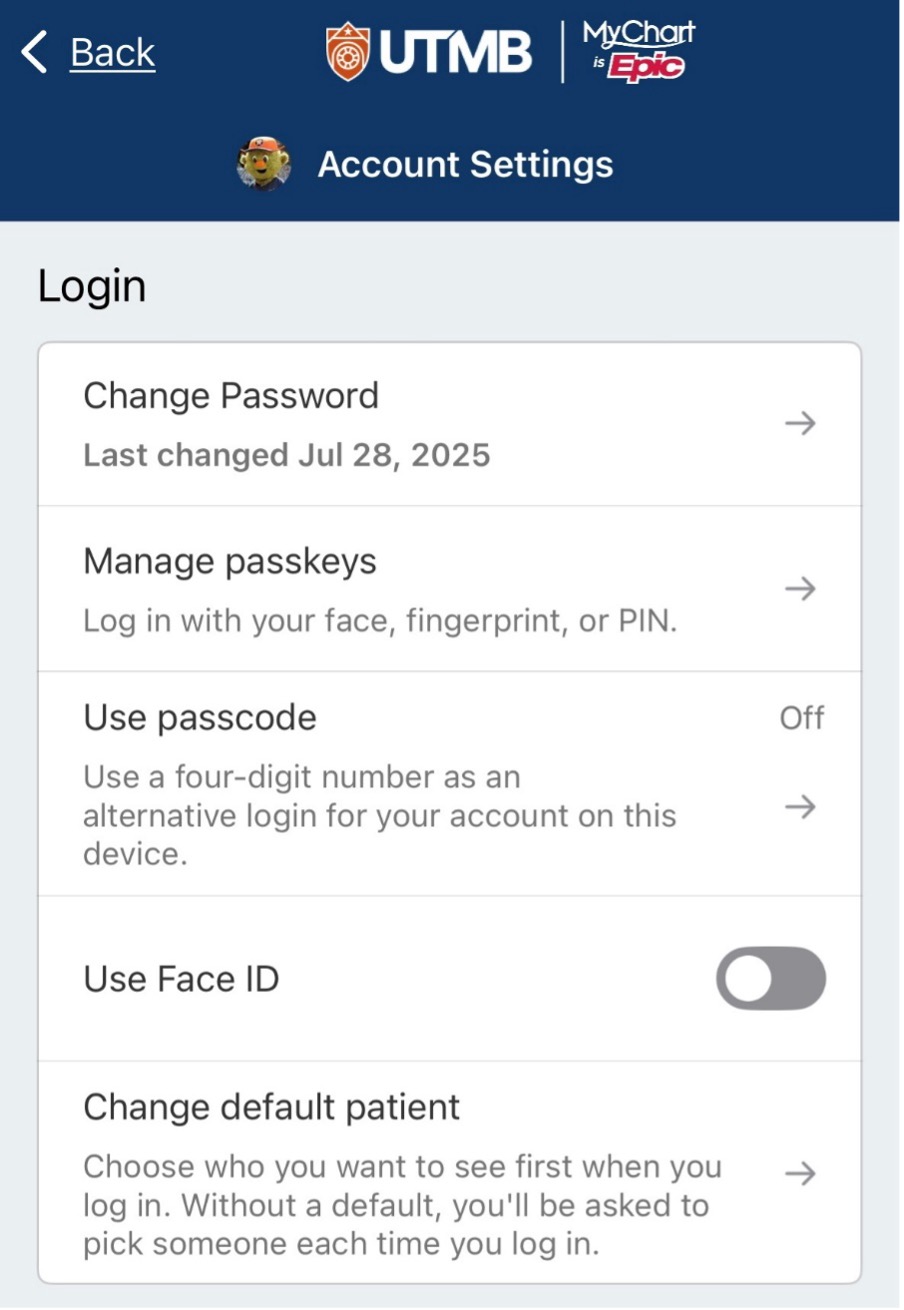
The Passkey Management page under the Account Settings page in MyChart allows you to set up and manage your access preferences.

Access your medical record 24/7
Download the App!
Apple and the Apple logo are trademarks of Apple Inc., registered in the U.S. and other countries. App Store is a service mark of Apple Inc., registered in the U.S. and other countries. Google Play and the Google Play logo are trademarks of Google LLC.